Visual inspiration
Image Library
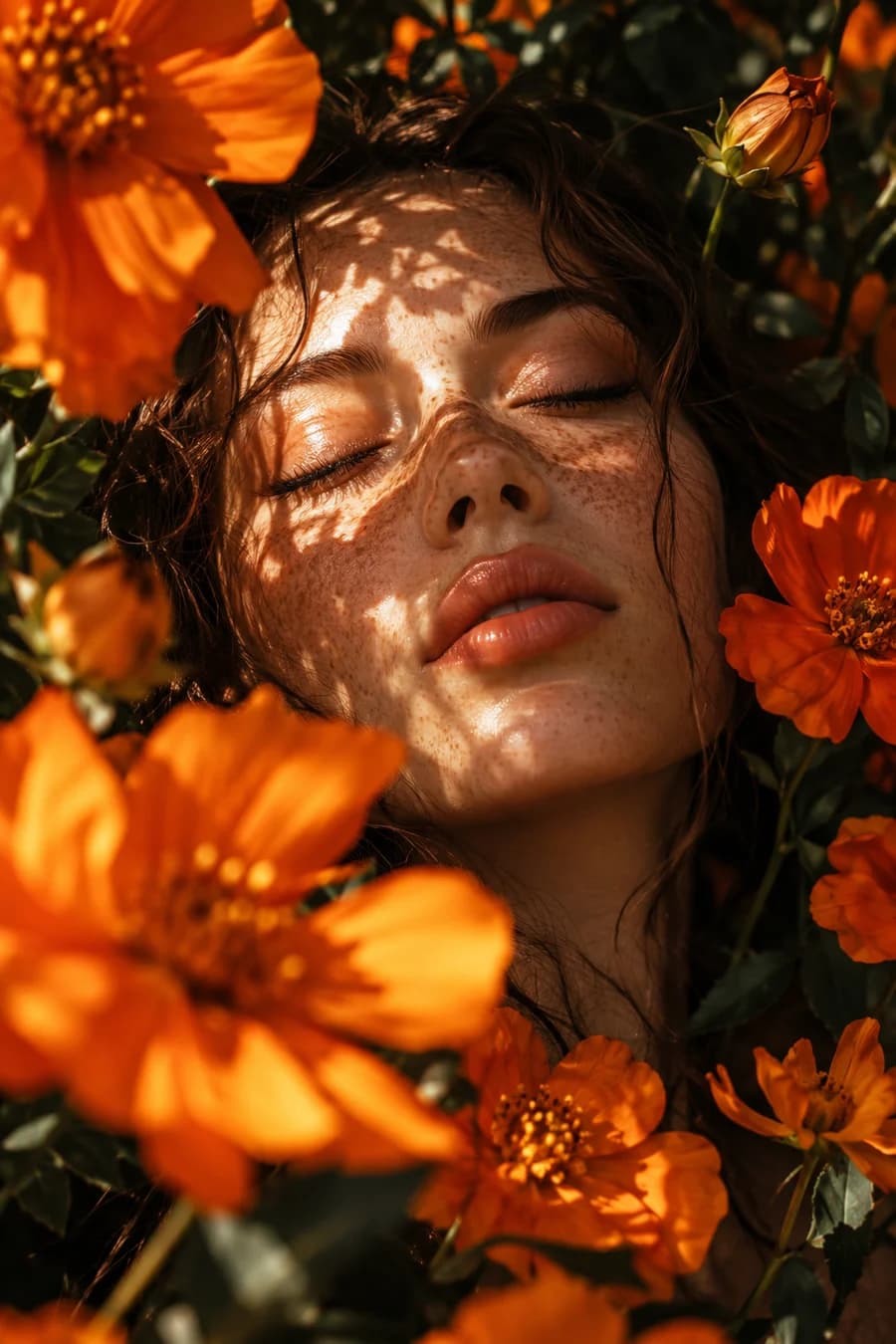
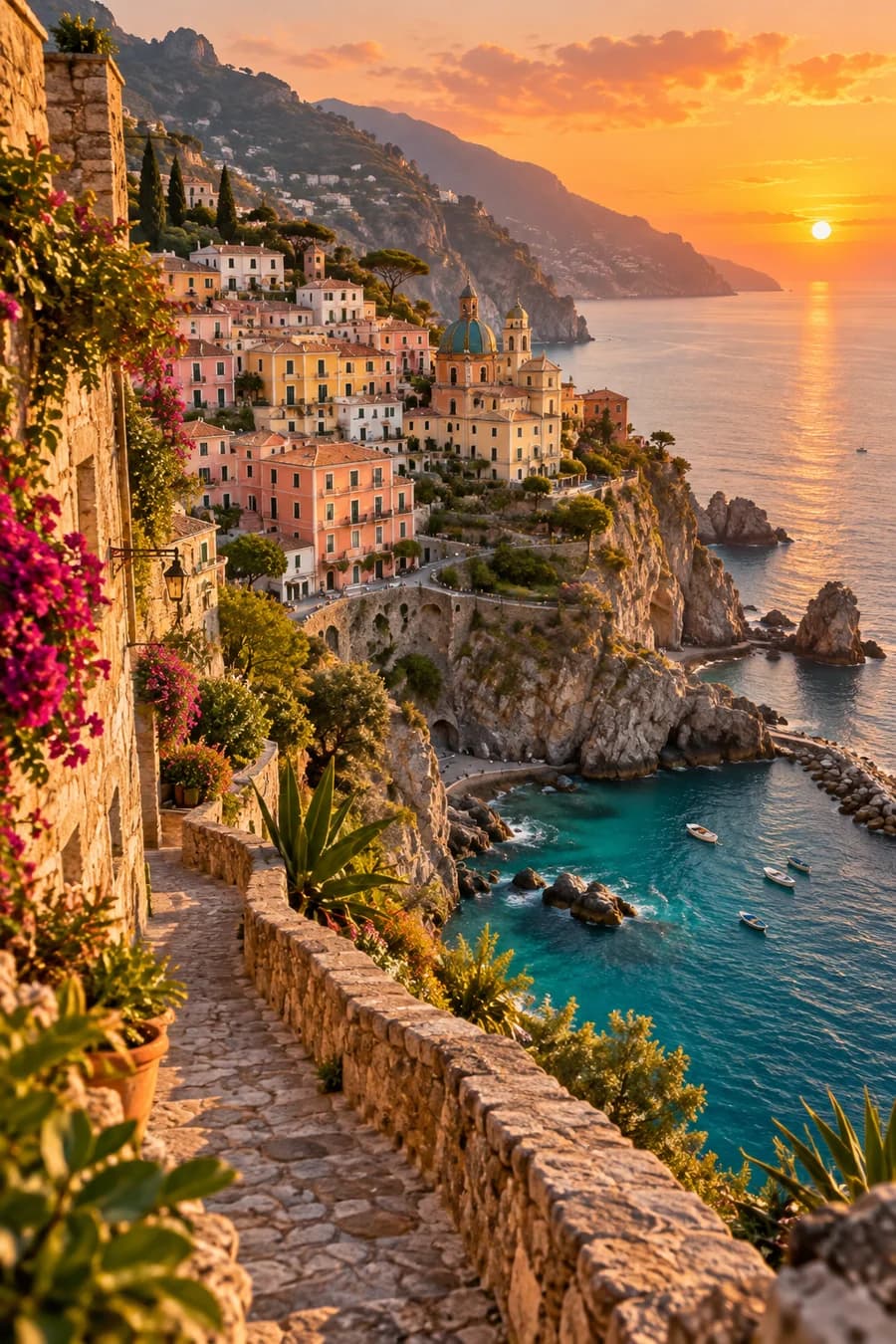
Explore ViralPop creations on our social channels. Each post shows the settings used to create it.
How to use the library
Find a creation you like, read these three fields in its caption, and choose the same values in ViralPop:
- Post SelectionChoose the matching workflow.
- StyleChoose the published style.
- Visual worldChoose the published visual world.
Explore creations
Social channels open in a new tab.
Made with ViralPop
Real ideas. Stunning results. Endless possibilities.